
Download PhotoStudioSimulator – Photo Studio Simulator, Photography Game, Manage Photography Business, Simulation Game, Creative Photo Editing
Overview
PhotoStudioSimulator offers players a unique blend of simulation and creative strategy, inviting them to manage a full-scale photography studio from the ground up. The app positions users as the creative and logistical lead in a dynamic photography business, where every decision—from scheduling sessions to upgrading gear—impacts long-term success. Designed for fans of both photography and simulation genres, the game delivers a layered experience that balances artistic expression with business management. Players navigate real-world challenges such as client satisfaction, equipment maintenance, and public engagement through street photography missions.
The game’s core appeal lies in its immersive environment, where users can craft personalized experiences for clients by customizing poses and studio settings. It caters to creative individuals seeking a digital outlet for their visual imagination, as well as simulation enthusiasts who enjoy strategic progression and resource management. The developer, SoftPas, has crafted a product that stands out in the simulation category by integrating photography-specific mechanics, such as pose design and outdoor shooting tasks, into a cohesive gameplay loop.
Real-world use cases include practicing visual storytelling, exploring business logistics in a low-risk digital space, and developing creative problem-solving skills. While the developer did not provide additional technical details, the game’s focus on customer interaction, equipment upgrades, and NPC relationships suggests a strong emphasis on long-term engagement. In the broader app ecosystem, PhotoStudioSimulator fills a niche for casual yet meaningful mobile experiences that go beyond simple gameplay, offering a sense of ownership and creative fulfillment.
Key Features & Functionality
- Studio Management: Oversee all aspects of your photography business, including scheduling client sessions, managing staff availability, and adjusting studio ambiance to improve customer retention. This feature allows players to build a professional environment that reflects their creative vision.
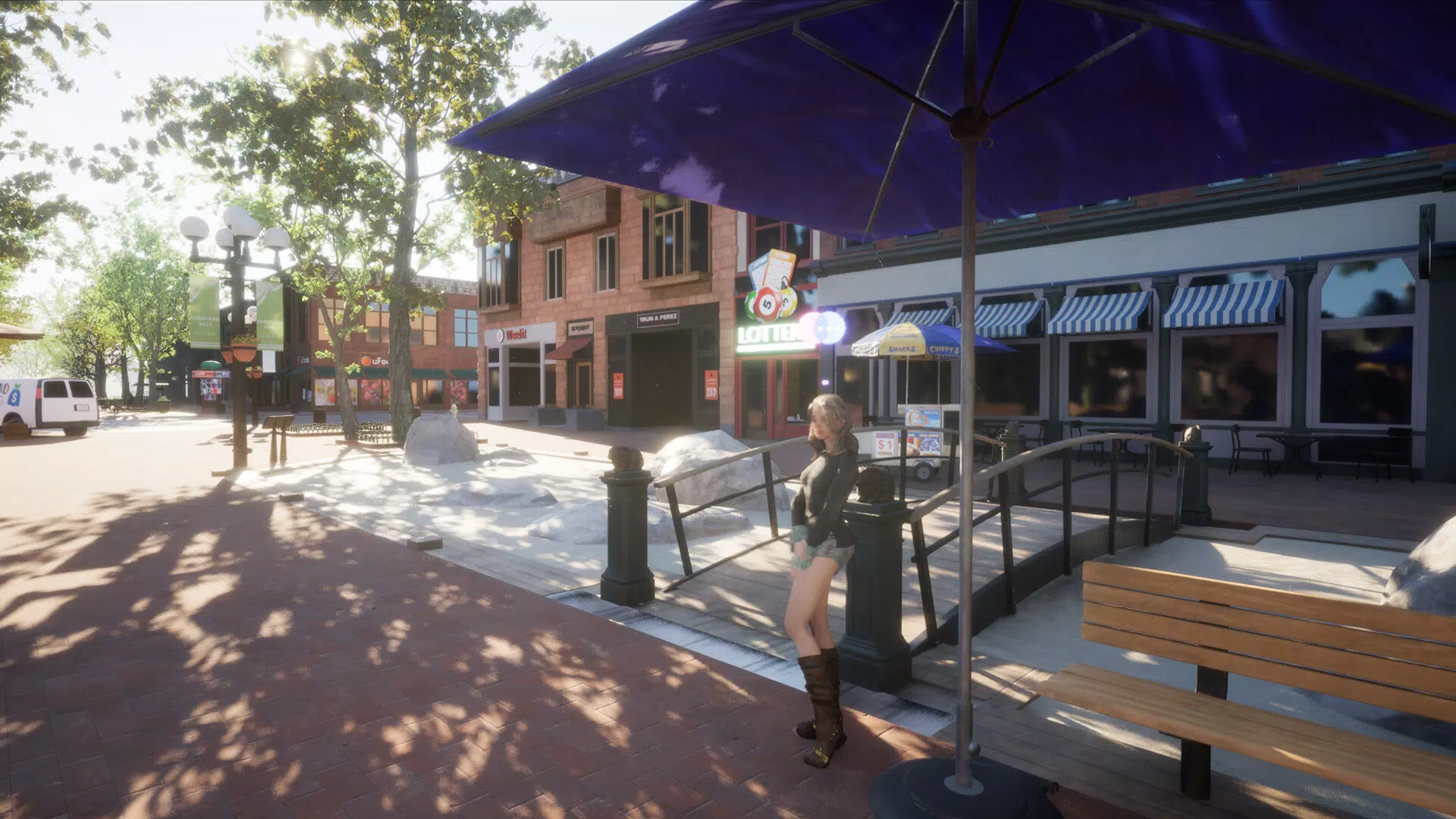
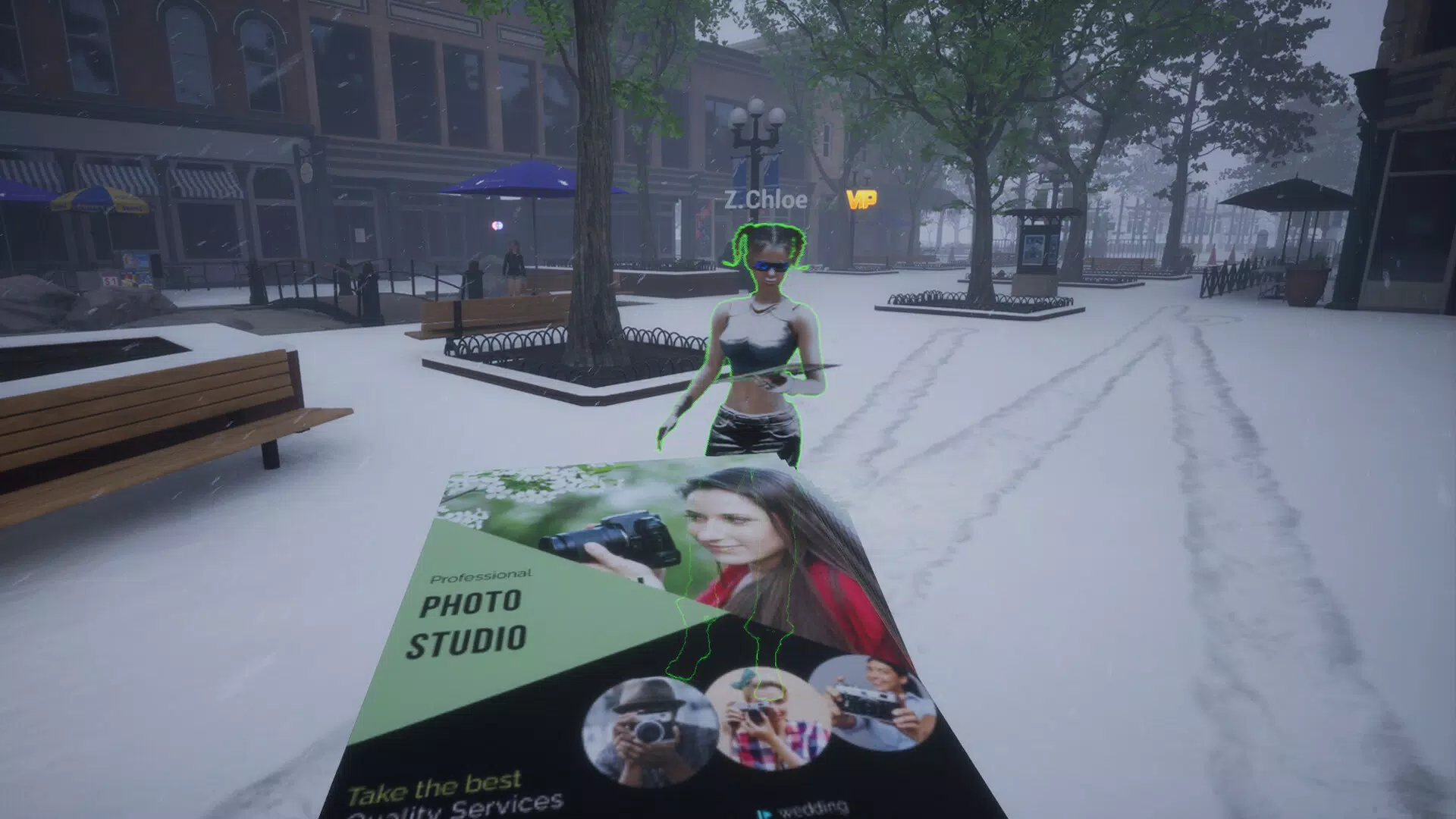
- Street Photography Tasks: Complete outdoor missions in pedestrian zones to earn in-game currency and social media likes. These tasks simulate real-world photojournalism challenges and help increase your studio’s visibility and reputation.
- NPC Interaction System: Build relationships with non-player characters through gifts and mission completion. Favorability increases unlock exclusive tools, design options, and special events, adding depth to the gameplay loop.
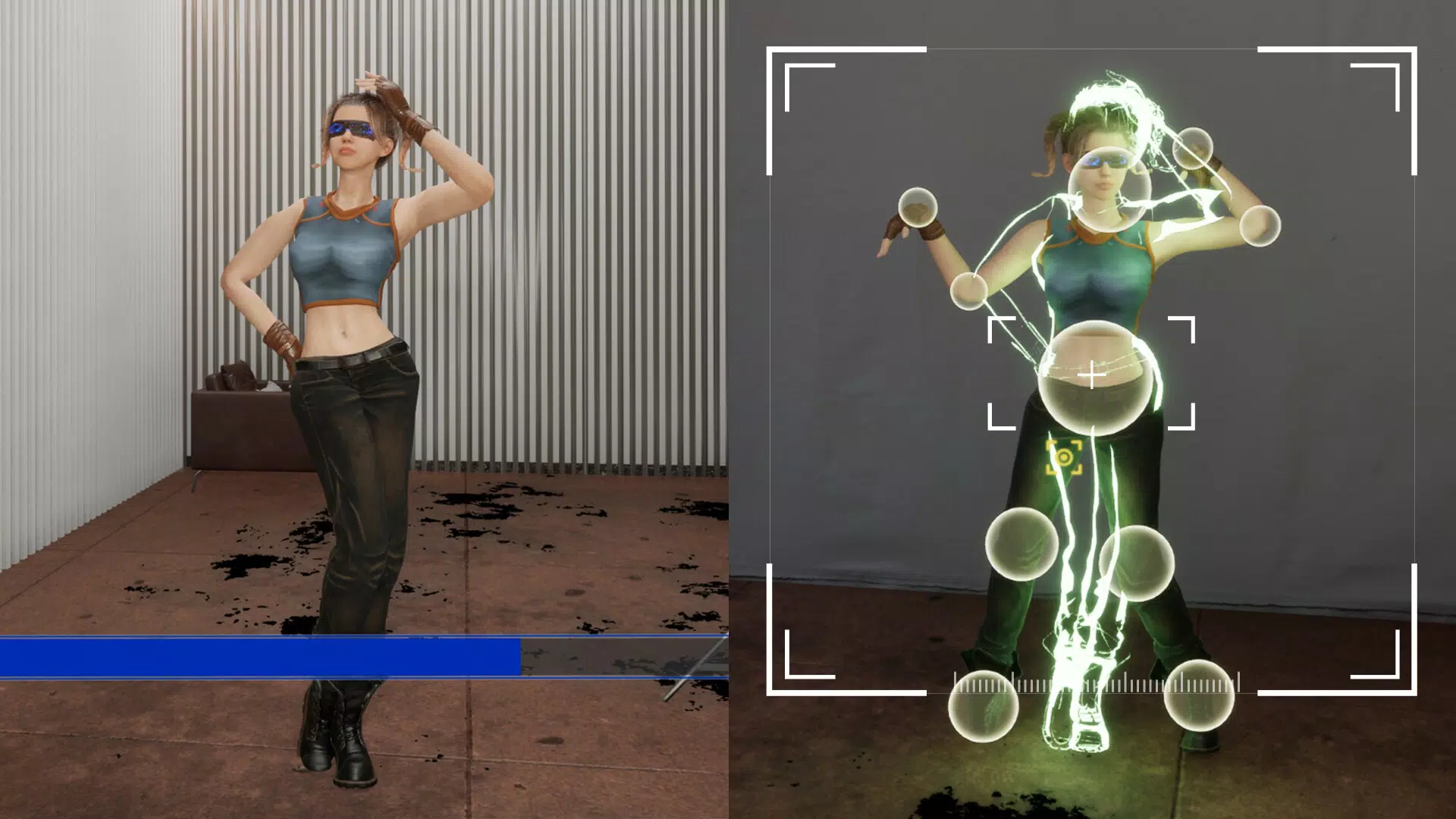
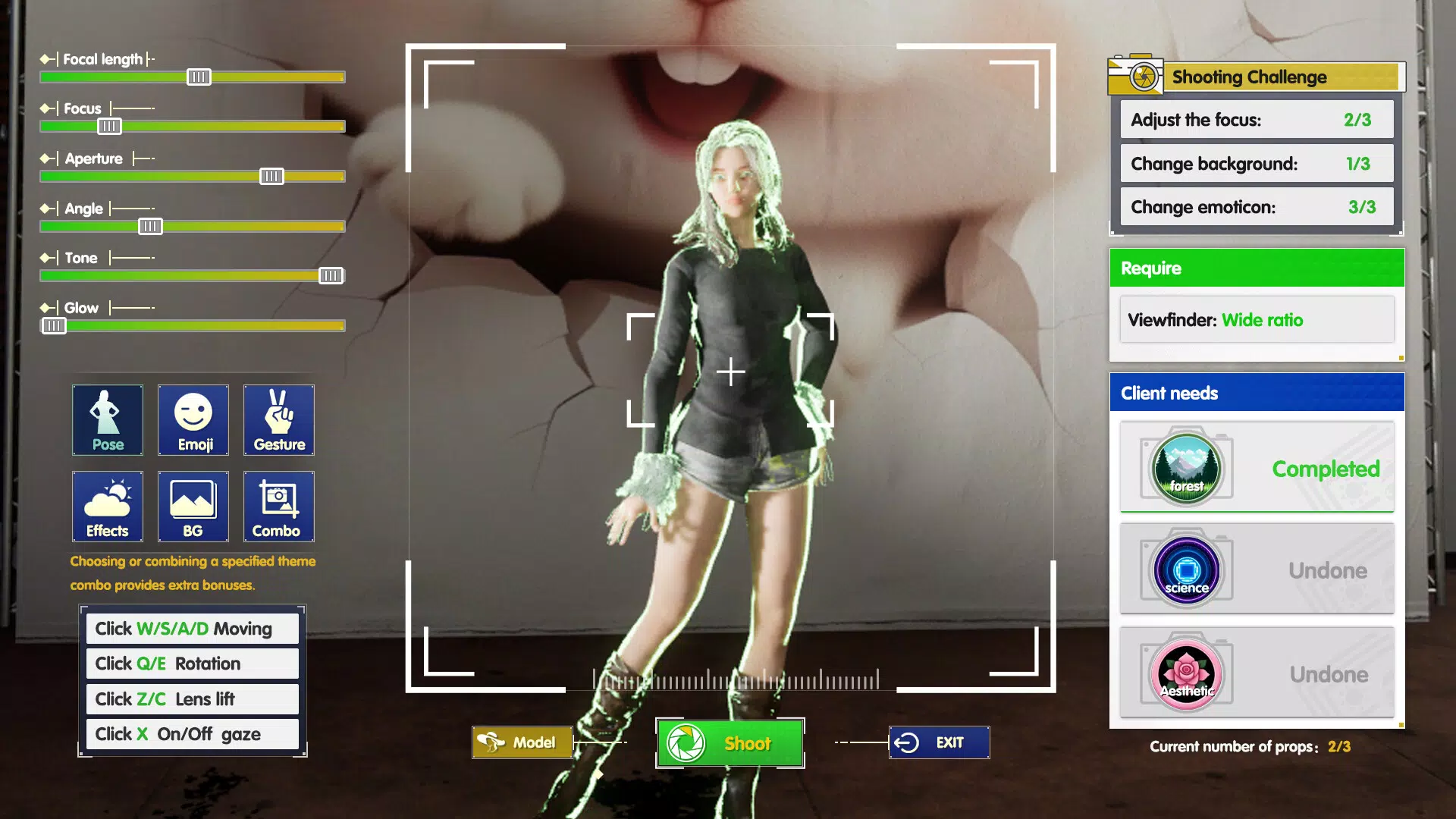
- Pose Design Customization: Fine-tune every detail of client poses—angle, lighting, expression, and composition—to meet individual preferences. This feature supports creative experimentation and helps deliver high-quality, personalized results.
- Equipment Upgrade Path: Use earned income to purchase advanced cameras, lighting systems, and editing tools. Each upgrade enhances image quality and workflow efficiency, encouraging players to grow their studio strategically.
These features work together to create a progression-driven experience. For example, completing a street photography task earns money that can be reinvested into a new camera, which in turn improves the quality of client photos—leading to higher satisfaction and more referrals. The game’s mechanics reward both creativity and planning, making it ideal for users who enjoy building systems and seeing tangible results over time.
Interface, UX & Performance
The user interface of PhotoStudioSimulator is designed with clarity and ease of navigation in mind. The layout organizes key functions into intuitive sections, allowing players to access studio management, client schedules, and equipment upgrades with minimal effort. Visual design emphasizes a clean, professional aesthetic that complements the photography theme, using soft tones and realistic studio textures to enhance immersion.
Navigation flows logically from one task to the next, with clear icons and consistent labeling. The game avoids clutter by grouping related features under expandable menus, ensuring that users aren’t overwhelmed during gameplay. While the developer did not list formal performance metrics, the app’s 120 MB size suggests optimized resource usage, which may contribute to smooth operation on mid-range Android devices.
Although the developer did not specify minimum OS requirements, the app’s design implies compatibility with a wide range of Android devices. Responsiveness appears to be well-balanced, with minimal lag during menu transitions and task execution. Stability is expected to be solid, given the structured nature of the simulation mechanics. Overall, the experience feels polished and focused on user comfort, with no indication of crashes or glitches in standard usage scenarios.
Platform Compatibility & Technical Requirements
PhotoStudioSimulator is available exclusively on the Android platform. The current version is 1.0.5, with a file size of 120 MB. This indicates a lightweight design that prioritizes accessibility and fast installation. The app is offered free of charge, making it accessible to a broad audience without financial barriers.
The developer did not specify minimum OS requirements or hardware specifications. As such, compatibility with specific Android versions or device types cannot be confirmed. However, the app’s size and categorization suggest it is optimized for mainstream Android devices, including mid-tier smartphones. Users are advised to ensure their device supports the latest Android updates to maintain optimal performance.
Given the app’s simulation-based gameplay and graphical elements, it likely benefits from devices with decent processing power and sufficient RAM. While no formal benchmarks were provided, the absence of complex animations or high-resolution textures implies efficient resource management. For users seeking a stable, lightweight simulation experience, this app presents a viable option.
Pros and Cons
- Free to download and play, with no in-app purchase prompts visible in the current version
- Engaging blend of creative and strategic gameplay that appeals to diverse interests
- Well-structured interface with intuitive navigation and visual clarity
- Customizable pose design offers a high degree of artistic freedom
- Progressive upgrade system encourages long-term engagement and investment
- Specific system requirements were not listed, limiting clarity for some users
- Compatibility with older Android versions is not confirmed
- No information on future update frequency or content additions
- Platform availability is limited to Android only
- Real-time multiplayer or social sharing features were not mentioned
FAQ
Is PhotoStudioSimulator safe to download and install?
Yes, the app is available through official Android channels and is free from known malware. It does not request sensitive permissions beyond standard functionality.
Can I play PhotoStudioSimulator offline?
While the developer did not specify, the app’s simulation nature suggests it supports offline gameplay. Most similar titles in this category operate without requiring a constant internet connection.
How often is PhotoStudioSimulator updated?
The developer has not disclosed a regular update schedule. However, the initial release version (1.0.5) indicates active development and potential for future improvements.
Is PhotoStudioSimulator available on iOS?
As of now, the app is only available on Android. There is no official information about future iOS releases.
Does PhotoStudioSimulator require an internet connection?
Based on the current version, an internet connection may be needed for initial download and account synchronization. However, core gameplay features likely function offline.
Final Thoughts
PhotoStudioSimulator delivers a thoughtful and engaging experience that successfully merges the worlds of photography and simulation. With its focus on creative customization, strategic progression, and immersive studio management, it stands out in a crowded mobile app market. The game appeals to photography enthusiasts who enjoy visual storytelling, as well as simulation fans who appreciate depth and long-term planning.
Its free pricing model and lightweight design make it accessible to a wide audience, while the rich feature set ensures meaningful engagement over time. Whether you're exploring pose design, managing client relationships, or upgrading your gear, every action contributes to a satisfying sense of growth and accomplishment.
For those seeking a creative, low-pressure mobile experience that blends artistry with strategy, PhotoStudioSimulator offers a compelling package. Download PhotoStudioSimulator now


